Follow this step-by-step guide to configure SamCast's SHOUTcast Statistics Relay for live audio streaming with your Server Room server. Get your station live in minutes.
Follow each step carefully to configure SamCast's SHOUTcast relay for live audio streaming with your Server Room server.
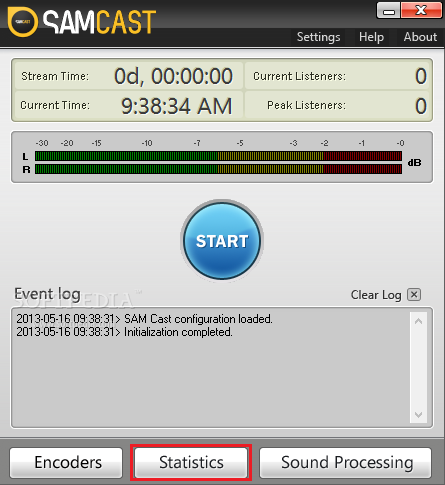
In the SamCast main window, click Statistics. When the Statistic Relay window opens, click SHOUTcast statistic relay then OK. A new window will open where you enter your station details.
 Expand
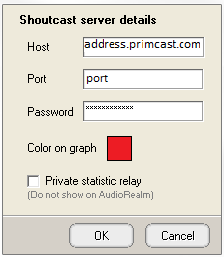
Enter your Server Room SHOUTcast streaming address in the Host field, your port in the Port field, and your streaming password in the Password field. Click OK to save.
 Expand
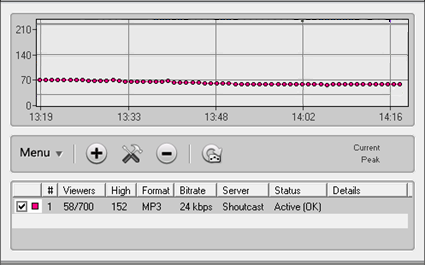
After saving, the statistics should update automatically within a few moments. If they do not, right-click the relay entry and click Force Update to trigger an immediate refresh.
 Expand
Common questions about configuring SamCast with Server Room streaming services.










